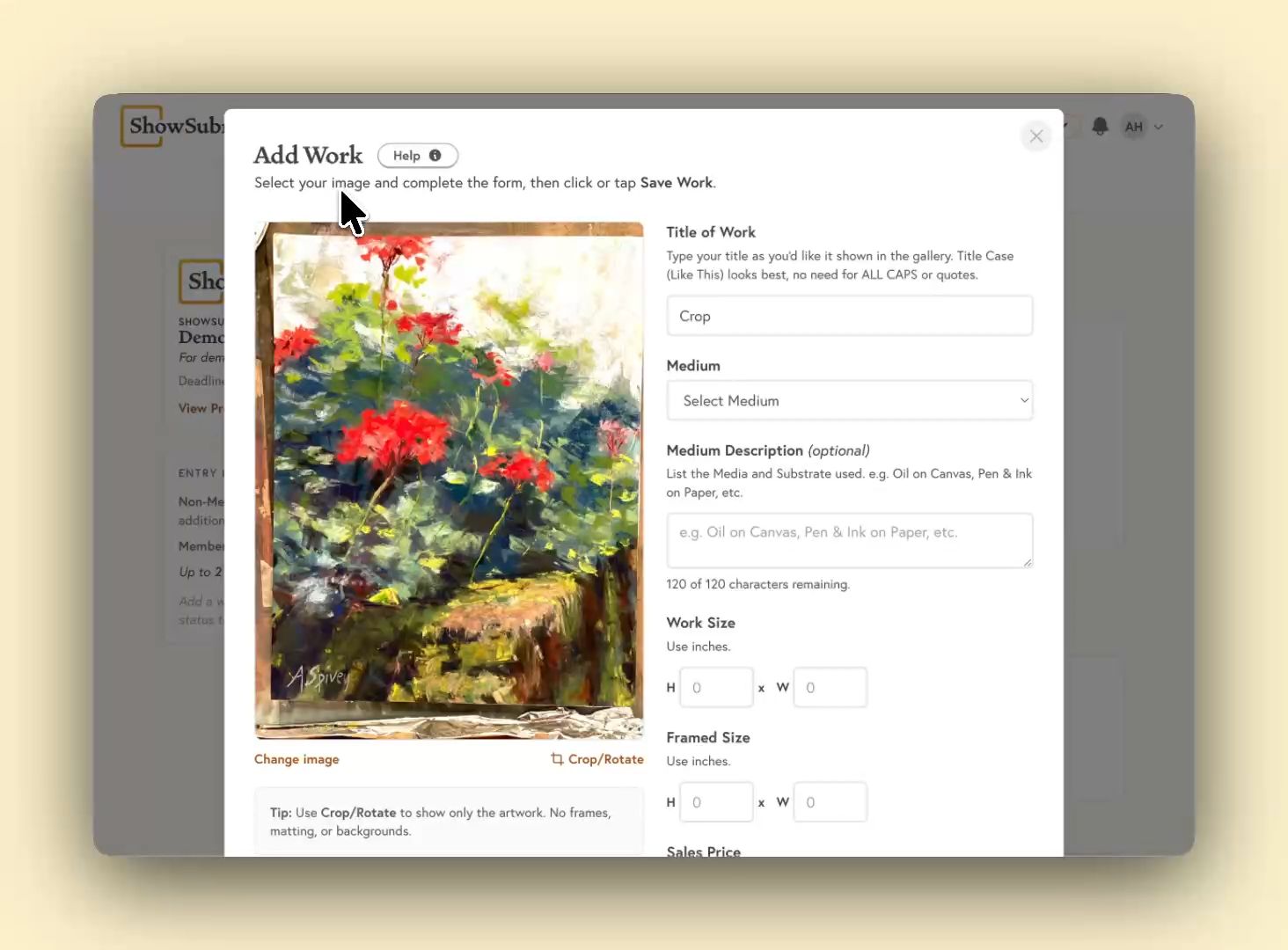
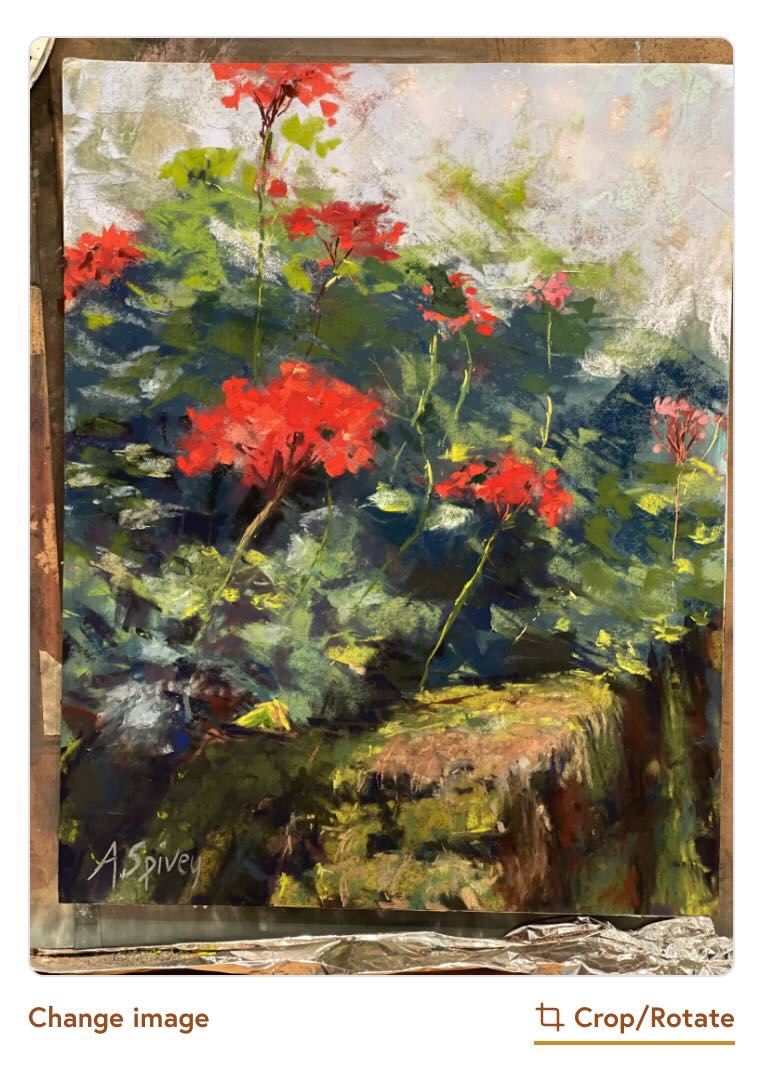
All images should be cropped to ensure only the artwork itself is visible in the image. Do not show any visible matting, frames, or background distractions.
Use the Crop/Rotate button to begin cropping your image.
Reach out to [email protected] and we'll get back to you promptly between 9am and 6pm Eastern Time, Monday to Friday.
Log in
Don't have an account?
Looking for the Control Panel or Juror login? Log in above and use the Switch Role dropdown to switch between account roles.
Create Account
Already have an account?
Looking to sign up as an organization? Get Started
Hello! Please note you are using a browser that is not compatible with ShowSubmit. An up-to-date verison of Chrome, Edge, Firefox, Opera, or Safari 11.1+ is needed.